How to Create a Monthly Budget Planner From Scratch (Free Template Guide)
Learn how to build a custom monthly budget planner from scratch, master the 50/30/20 rule, follow a real-life financial example, and avoid common budgeting pitfalls.
How to Create a Monthly Budget Planner From Scratch
Managing your personal finances often feels overwhelming, especially when you are trying to find clean, free budget spreadsheet templates that actually fit your lifestyle. Many pre-made templates are either too complex, locked behind expensive subscriptions, or poorly organized.
Building your own monthly budget planner gives you absolute control over your financial data. In this comprehensive guide, you will learn how to build a custom budget tracker from scratch, categorize your spending effectively, utilize a concrete worked example, and avoid common financial pitfalls. If you want to skip the manual setup entirely, you can test out our free Quick Budget Generator to instantly calculate your cash flow.
Step 1: Establish Your Net Income Baseline
The foundation of any effective budget is understanding your true take-home pay. Many beginners make the mistake of budgeting based on their gross salary, which leads to immediate shortfalls when federal taxes, state taxes, health insurance premiums, and retirement contributions are removed.
- Gather your recent pay stubs, freelance client invoices, and side-hustle earnings statements.
- Calculate your total net monthly income—this is the precise amount of cash that actually hits your bank account every month.
- If your income fluctuates due to commissions, freelance projects, or seasonal work, use the average of your lowest earning months over the past year to remain conservative and safe.
By securing an accurate baseline, you ensure that every dollar you allocate has a real destination. If your income varies widely, you can instantly test different scenarios using our Quick Budget Generator.
Step 2: Categorize Your Expenses Using the 50/30/20 Rule
Once you know your monthly income, you need a framework to distribute your cash. One of the most reliable and balanced frameworks is the 50/30/20 rule, which divides your net monthly income into three distinct buckets:
- 50% Needs: Essential living expenses required for survival and daily functioning, including rent or mortgage payments, basic utilities, groceries, health insurance, and minimum debt payments.
- 30% Wants: Lifestyle choices and discretionary spending, such as dining out at restaurants, entertainment subscriptions, hobbies, clothing, and vacation savings.
- 20% Savings & Debt Repayments: Financial security goals like building an emergency fund, contributing to retirement accounts, and paying down high-interest credit card debt.
If you prefer a simpler approach or want to see these percentages calculated instantly without manual math, our Quick Budget Generator can automate the distribution for you in seconds.
Step 3: Build Your Spreadsheet Layout
Open a blank Google Sheet or Microsoft Excel workbook and set up a clean, easy-to-read grid. A well-designed monthly budget planner requires only a few core columns and sections to remain functional without causing spreadsheet fatigue:
- Column A: Expense or Income Category
- Column B: Projected or Budgeted Amount
- Column C: Actual Amount Spent
- Column D: Variance (Projected minus Actual)
Create separate rows for Income, Fixed Needs, Variable Needs, Discretionary Wants, and Savings Goals. Apply basic formulas in your total rows using functions like =SUM(B2:B10) to keep your totals dynamic and error-free. If you want a fully designed, advanced version with automated charts and multi-month tracking, you can check out the Ultimate Budget Spreadsheet Kit for instant download.
Step 4: Concrete Worked Example
To see how this framework works in practice, let us walk through a realistic scenario for an individual named Sarah, who earns a net monthly income of $4,000.
- Net Income: $4,000
- Needs (50% = $2,000):
- Rent: $1,200
- Groceries: $400
- Utilities & Internet: $200
- Car Insurance: $200
- Wants (30% = $1,200):
- Dining Out: $300
- Entertainment & Subscriptions: $150
- Shopping & Personal Care: $350
- Vacation Fund: $400
- Savings & Debt (20% = $800):
- Emergency Fund Savings: $500
- Extra Student Loan Payment: $300
In this example, Sarah balances her budget cleanly, ensuring every dollar is accounted for before the month begins.
Step 5: Avoid Common Budgeting Pitfalls
Even with a great spreadsheet, beginners often run into roadblocks that derail their progress. Watch out for these common traps:
- Being Too Restrictive: Cutting out all fun spending usually leads to burnout and binge spending. Always leave room in your budget for guilt-free wants.
- Forgetting Irregular Expenses: Annual costs like car registrations, holiday gifts, and medical checkups will wreck your monthly budget if you do not save for them incrementally.
- Neglecting to Review: A budget is not a set-it-and-forget-it document. You must review your actual spending weekly to stay on track.
Actionable Checklist for Success
To ensure you successfully implement your new monthly budget planner, follow this concise checklist:
- Calculate your exact net take-home pay for the upcoming month.
- List all fixed and variable expenses based on past bank statements.
- Apply the 50/30/20 rule to establish baseline spending targets.
- Input your categories into a custom spreadsheet or use our Quick Budget Generator.
- Track every single transaction throughout the month.
- Review your budget variance at month-end and adjust your targets for the next cycle.
If you want to accelerate your financial journey with premium templates, custom calculators, and advanced tracking dashboards, explore the Ultimate Budget Spreadsheet Kit today.
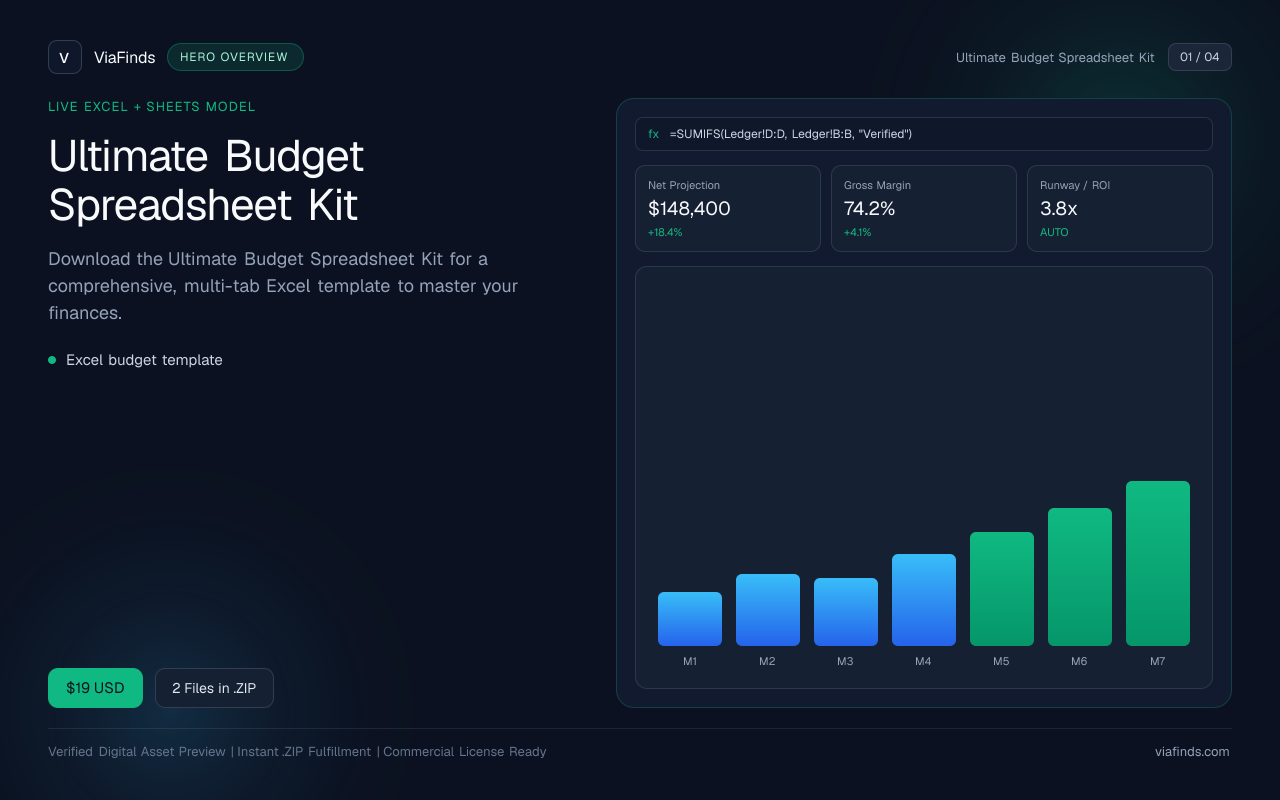
Ultimate Budget Spreadsheet Kit
Download the Ultimate Budget Spreadsheet Kit for a comprehensive, multi-tab Excel template to master your finances.
- Excel budget template