Quick Budget Generator
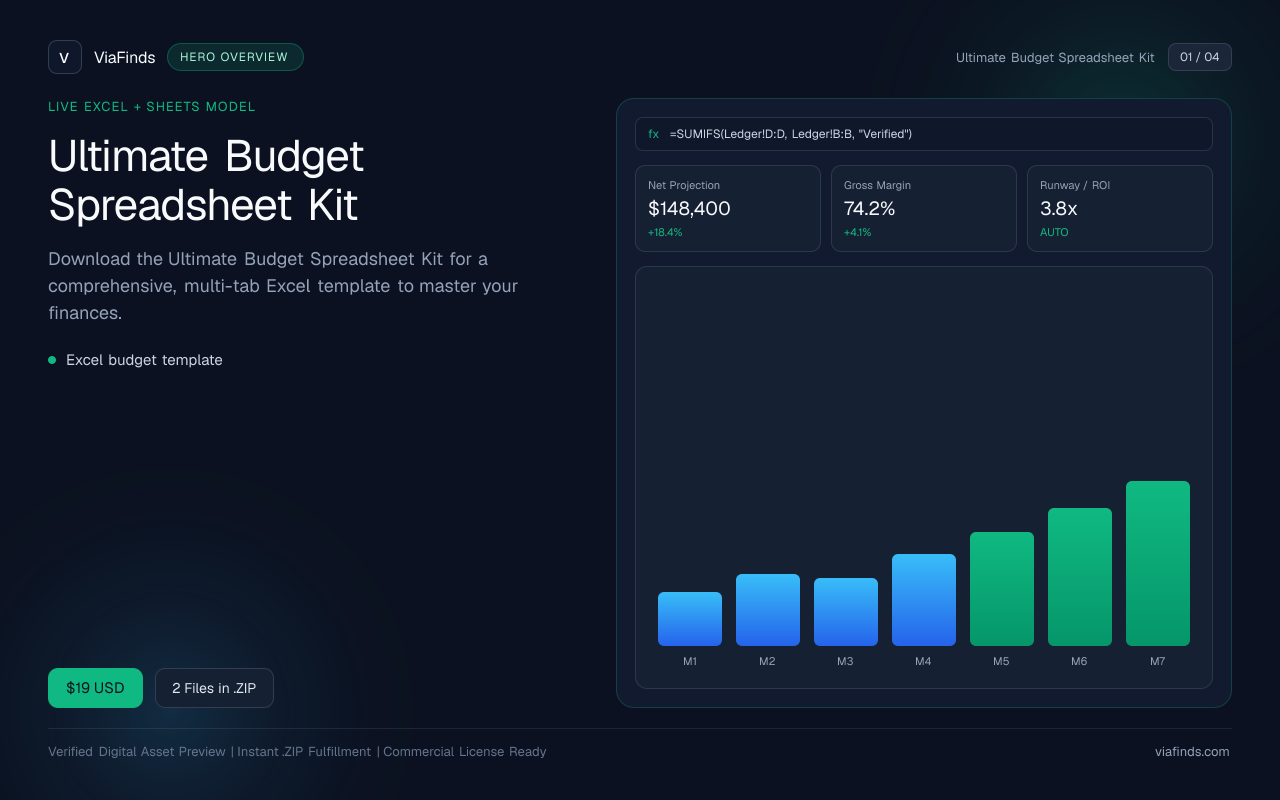
Ultimate Budget Spreadsheet Kit
Download the Ultimate Budget Spreadsheet Kit for a comprehensive, multi-tab Excel template to master your finances.
- Excel budget template
Interface & Output Previews
Click any slide to enlarge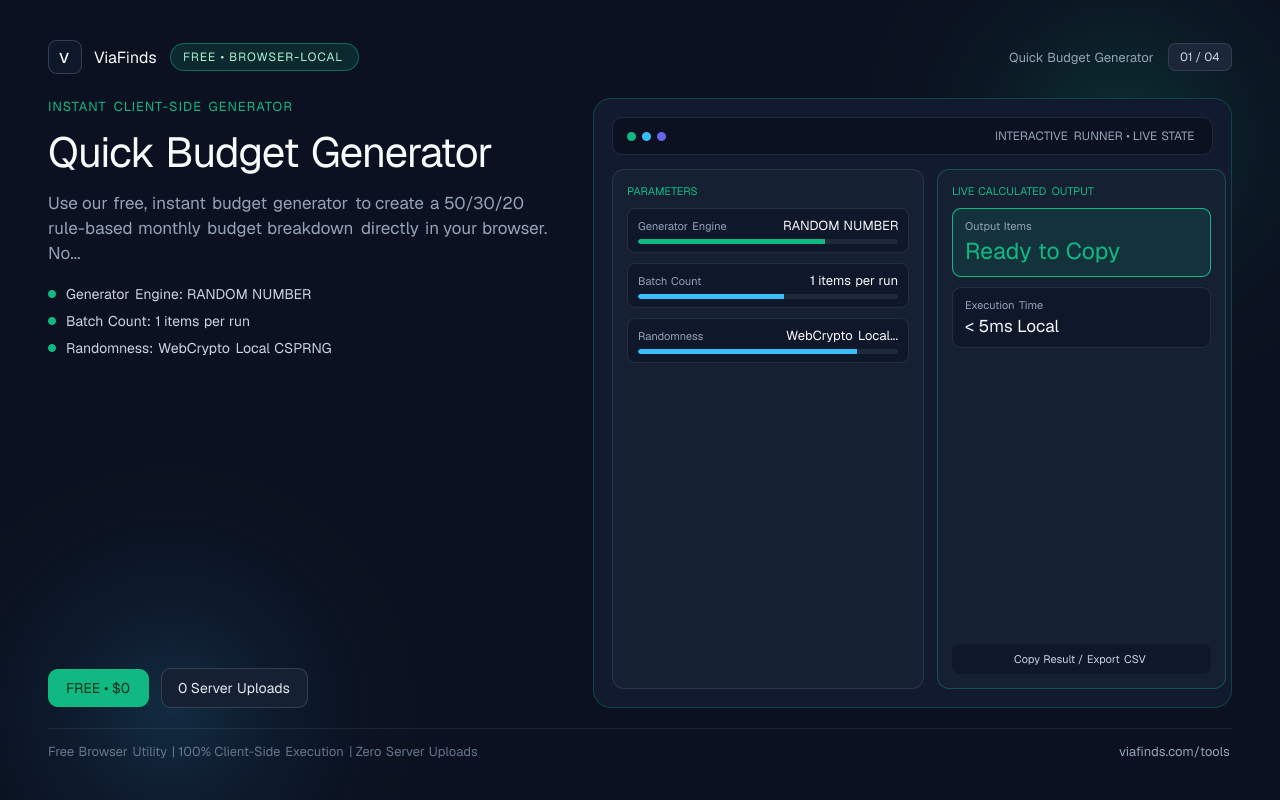
Use our free, instant budget generator to create a 50/30/20 rule-based monthly budget breakdown directly in your browser. No sign-ups, downloads, or costs—just enter your income and get a clear allocation instantly.
How viafinds compares
| Capability | viafinds | Cloud Tools | Desktop / CLI |
|---|---|---|---|
| Cost & Access | Free, instant browser utility | Freemium with aggressive upgrade prompts | Paid software licenses or complex setup |
| Data Privacy | 100% local, zero server uploads | Data synced and stored on remote servers | Local file storage with manual backups |
| Account Requirement | None (anonymous access) | Required email signup and login credentials | Optional or software account required |
| Execution Speed | Instant calculations in milliseconds | Dependent on server latency and network speed | Fast execution but requires software installation |
How to Create a Monthly Budget with the 50/30/20 Rule
Managing your personal finances and building long-term wealth starts with a clear, reliable budget. The 50/30/20 rule is one of the most simple, highly effective frameworks for allocating your net income without getting bogged down in overly complex spreadsheets. Popularized by financial experts, this rule divides your after-tax monthly income into three distinct, manageable buckets:
- 50% Needs: Essential living expenses required for survival and basic functioning. This includes rent or mortgage payments, utility bills, basic grocery runs, health insurance premiums, minimum debt payments, and essential transportation costs.
- 30% Wants: Discretionary spending that enhances your lifestyle but is not strictly necessary for survival. This category covers dining out, entertainment, subscription streaming services, vacations, shopping for non-essential clothing, and hobbies.
- 20% Savings & Financial Goals: Capital directed toward building your financial security. This includes contributions to retirement accounts, emergency funds, investments, and extra payments to aggressively pay down high-interest consumer debt.
Step-by-Step Budgeting Guide
Implementing this strategy doesn't require an accounting degree. Follow these straightforward steps to map out your monthly financial health:
-
Determine Your Net Monthly Income Calculate your total after-tax income. If you are a W-2 employee, look at your take-home pay on your paystubs. If you are a freelancer or have variable income, take a conservative average of your past three to six months of earnings. This net figure forms the foundational base of your entire budget.
-
Apply the 50/30/20 Formula Multiply your net monthly income by the corresponding decimal multipliers to find your target allocation thresholds. You can quickly calculate these using our formula block below:
Needs = 0.50 × Net Income Wants = 0.30 × Net Income Savings/Debt = 0.20 × Net Income -
Audit and Track Your Spending Review your bank and credit card statements from the previous month. Categorize your past expenditures into Needs, Wants, and Savings. Compare your historical spending against the 50/30/20 targets to identify where you might be overspending.
-
Adjust Your Lifestyle Habits If your needs consume 70% of your income due to high housing costs, you will need to temporarily dial back your wants or look for ways to boost your income. Conversely, if your savings rate is already above 20%, you are accelerating your timeline toward financial independence.
Worked Example
To see how this framework functions in the real world, consider a worker earning a net monthly income of $4,000:
- Needs (50%): $2,000 is allocated toward housing, bills, and groceries.
- Wants (30%): $1,200 is available for dining out, entertainment, and leisure.
- Savings/Debt (20%): $800 is directed straight to emergency savings, retirement funds, or extra debt payoff.
Why Use Our Quick Budget Generator?
While you could build a spreadsheet from scratch, our free browser-based utility automates the arithmetic instantly. Our tool stands out from paid templates found on platforms like Etsy or bloated subscription-based financial apps for several key reasons:
- 100% Free: No paywalls, subscription traps, premium tier upgrades, or hidden microtransactions.
- Instant Results: Input your monthly take-home pay and watch your exact allocations calculate immediately.
- Client-Side Privacy: Because the processing happens locally within your browser engine, your sensitive financial data never touches an external server. You can use this utility safely without creating an account or handing over your email address.
Privacy and Technical Architecture
In an era where data harvesting is ubiquitous, maintaining absolute privacy over personal financial information is paramount. The Quick Budget Generator operates entirely inside your browser's local execution environment. Unlike cloud-dependent financial dashboard aggregators that require your banking credentials and sync your ledger to remote databases, our tool uses pure client-side JavaScript logic.
No cookies track your inputs, no analytics collect your salary numbers, and no information is serialized or transmitted over the network. Once you close or refresh the tab, your input data vanishes from memory. This architecture guarantees complete anonymity, making it ideal for privacy-conscious users who want rapid calculations without digital footprints.
Advanced Budgeting Strategies and Nuances
While the 50/30/20 framework is an exceptional baseline, real life rarely fits neatly into rigid percentages. Here is how you can adapt the rule to complex financial situations:
Adapting for High-Cost-of-Living Areas
If you reside in a major metropolitan area where rent or mortgage payments consume 60% or more of your net income, treating 50% as a hard ceiling can feel impossible. In these scenarios, use a transitional ratio—such as 60/20/20 or 65/20/15—while actively working on long-term adjustments like reducing transit costs, finding a roommate, or pursuing career advancement to boost your net take-home pay.
Handling Irregular and Freelance Income
Freelancers, independent contractors, and commission-based workers experience fluctuating monthly cash flow. To apply this budget effectively:
- Establish a baseline 'floor' income based on your leanest historical earning month.
- Base your fixed Needs and baseline Wants on that conservative floor figure.
- Treat any surplus income earned during high-earning months as 100% discretionary savings or extra debt paydown, accelerating your financial goals without inflating your standard lifestyle.
Automating Your Financial System
Willpower is a finite resource. The most successful budgeters remove human friction by automating their financial architecture:
- Set up automated direct deposits to split your paycheck across checking and savings accounts.
- Schedule automatic transfers for your retirement contributions and investment accounts the day after payday.
- Keep your discretionary 'Wants' money in a separate secondary checking account linked to a specific debit card to prevent accidental overspending on necessities.
Reviewing and Iterating Monthly
Personal finance is a dynamic, ongoing practice rather than a static one-time event. Dedicate fifteen minutes at the end of each calendar month to review your budget performance. Check whether inflation, lifestyle creep, or unexpected emergency expenses have distorted your ratios. Adjust your targets iteratively as you receive salary raises, pay off debts, or experience major life milestones.
Comparing Our Tool to Competitors
Our Quick Budget Generator prioritizes lightning-fast performance, absolute data privacy, and zero friction. Whether you are comparing us against heavy cloud dashboard applications or manual desktop spreadsheets, our browser utility delivers unmatched convenience.
Explore our other browser-local utilities on the main directory or learn more about our development philosophy on our platform pages.
FAQs
Q1: Is the Quick Budget Generator really free? Yes, it’s completely free with no hidden costs, paywalls, or required sign-ups.
Q2: Can I save my budget breakdown? Because the tool operates entirely locally in your browser to protect your privacy, data is not permanently stored on any server. You will need to manually record, screenshot, or copy your results.
Q3: Does it work for irregular income? Yes. If your earnings fluctuate, simply input your average conservative monthly take-home income to get a reliable general breakdown.
Q4: Is my data safe? All calculations run purely in your browser runtime. Your salary and financial numbers are never uploaded, stored, or shared with third parties.
Q5: Can I customize the 50/30/20 ratios? The utility calculates the standard 50/30/20 rule automatically, but you can easily use the figures as a baseline and mentally or manually adjust them to fit your specific lifestyle.
User Reviews
No reviews yet. Be the first to share feedback below.