Vice City / Leonida Neon Title & Thumbnail Hook Generator
Includes 12 OBS 1080p/4K overlays, 4 HTML browser alerts, 9 layered YouTube thumbnail SVGs, and setup playbook.
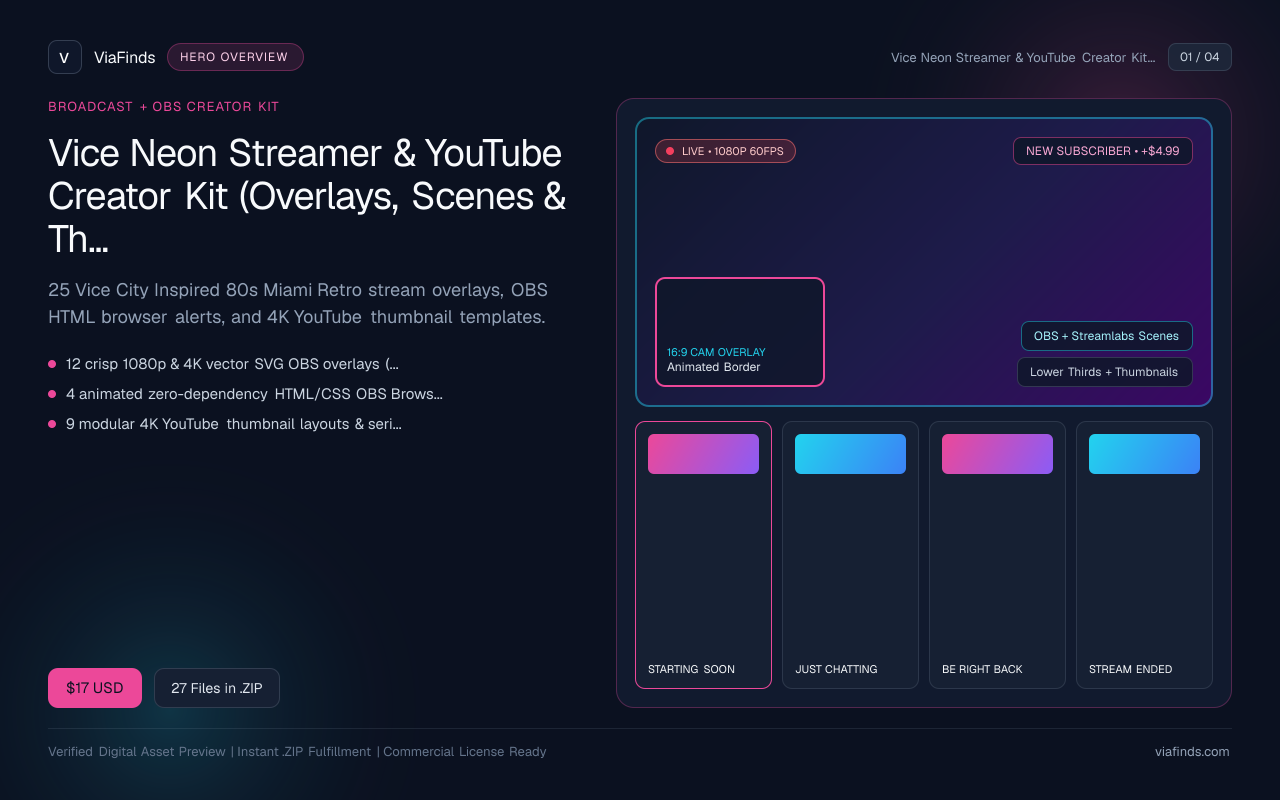
Vice Neon Streamer & YouTube Creator Kit (Overlays, Scenes & Thumbnail Templates)
25 Vice City Inspired 80s Miami Retro stream overlays, OBS HTML browser alerts, and 4K YouTube thumbnail templates.
- 12 crisp 1080p & 4K vector SVG OBS overlays (Starting Soon, BRB, Ending, Just Chatting, Webcam HUD)
- 4 animated zero-dependency HTML/CSS OBS Browser Source alerts
- 9 modular 4K YouTube thumbnail layouts & series badges (80s Miami Sunset, Neon Noir, Retro Script)
- OBS setup PDF guide & royalty-free commercial creator license
Interface & Output Previews
Click any slide to enlarge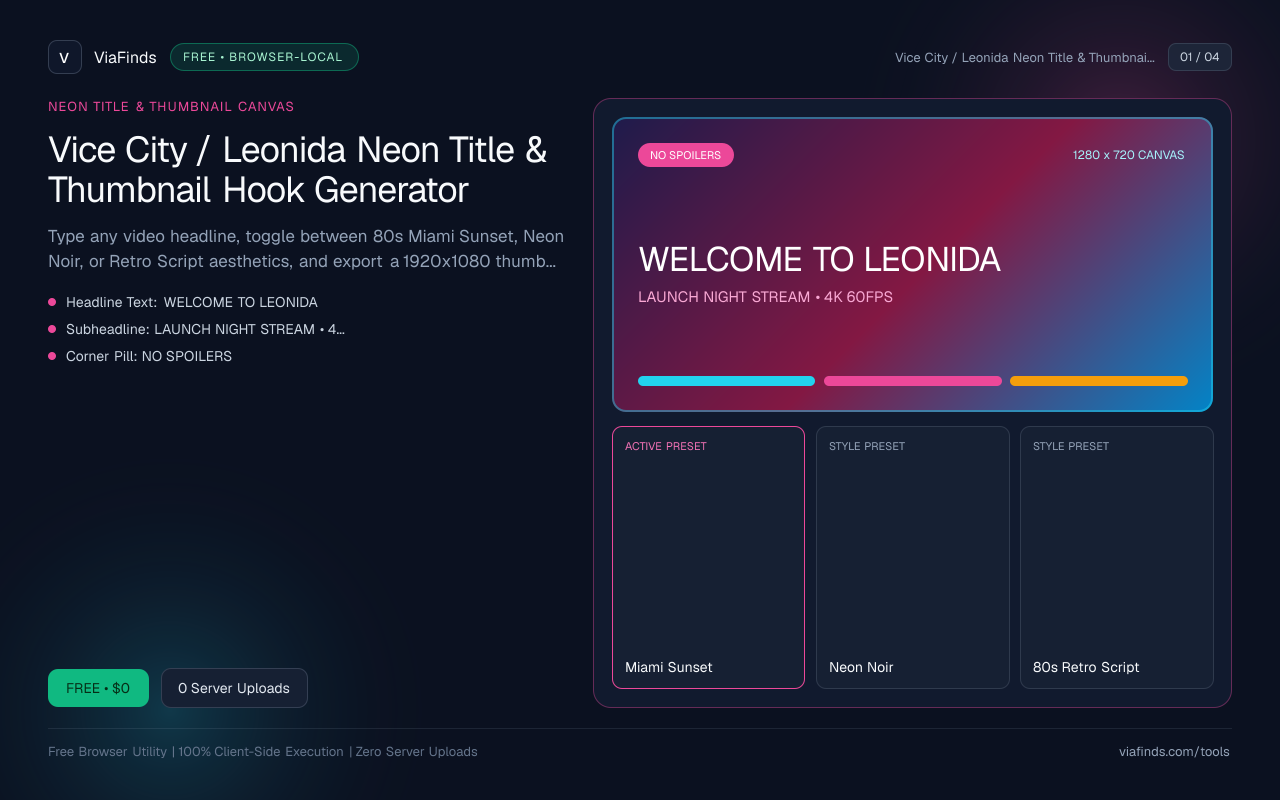
Type any video headline, toggle between 80s Miami Sunset, Neon Noir, or Retro Script aesthetics, and export a 1920x1080 thumbnail card or transparent PNG title badge instantly in your browser with zero watermarks.
How viafinds compares
| Capability | viafinds | Desktop Editors | Generic Meme Makers |
|---|---|---|---|
| 80s Miami Sunset & Neon Noir Presets | 3 tuned gradients, horizon grid & palm silhouettes | Manual layer setup | Basic flat text |
| Transparent Title Badge PNG | 1-click 1600x520 alpha PNG for screenshots | Requires manual masking | Solid backgrounds only |
| Shorts 9:16 & YouTube 16:9 Modes | Instant switch + full HD export | Manual project resize | Watermarked free tier |
| Privacy & Speed | Pure HTML5 Canvas — zero uploads or logins | Heavy local install | Requires account signup |
Why High-Contrast 80s Retro Typography Wins Clicks in 2026
When thousands of gaming channels publish launch-night walkthroughs, lore deep-dives, and secrets videos on the exact same day, thumbnails packed with cluttered screenshots blur together in YouTube Suggested feeds. Channels using clean 80s Miami Sunset palettes paired with high-contrast beveled headlines stand out immediately on small mobile screens.
Three Core Rules of High-CTR Gaming Title Hooks
- Keep Headlines to 2–5 Scannable Words: Phrases like
NIGHT ONE IN LEONIDA,NO SPOILERS GUIDE, orFAST MONEY ROUTEread cleanly even when shrunk down to mobile home-feed thumbnails. - Use a Strong Corner Pill for Context: Adding a bright pill badge (
PART 01,4K 60FPS,100% ROUTE) removes clutter from your main title and tells viewers immediately whether a clip is spoiler-safe. - Separate Text From Busy Backgrounds: When laying text over night-city driving or neon streets, dark rounded outer strokes plus subtle outer glow preserve crisp letterform contrast without muddy drop shadows.
Choosing the Right Export Mode for Your Editing Stack
- 16:9 YouTube Card (
1920×1080): Ready-to-upload full background title slide for episode intros, chapter title bumpers, stream intermission graphics, and bold text-first thumbnails. - Transparent Badge Overlay (
1600×520): Exports ONLY the top badge, beveled neon headline, and subtitle frame with a true alpha-transparent background. Drag it directly onto any gameplay screenshot inside Premiere Pro, CapCut Desktop, DaVinci Resolve, Figma, or Canva. - 9:16 TikTok / Shorts Cover (
1080×1920): Sized vertically so centered titles sit comfortably inside TikTok and YouTube Shorts safe margins away from UI icons.
Upgrade Your Entire Channel Branding
If you want coordinated launch branding beyond individual thumbnails:
- Grab the complete Vice Neon Streamer & YouTube Creator Kit ($17) for 25 vector SVG stream scenes, OBS Browser Source HTML alerts, and modular 4K thumbnail frames.
- Add cinema-grade color consistency across your Shorts and Reels with the Miami Sunset 4K Wallpaper & LUT Pack ($7).
- Check your global launch stream start window using the GTA 6 Global Launch Unlock & Timezone Converter, or read our full design breakdown in Best 80s Miami Neon Thumbnail & Overlay Aesthetics for Gaming Creators in 2026.
Everything in this generator renders locally inside an HTML5 <canvas> on your own device—your titles and graphics are never sent to external servers or gated behind signup walls.
User Reviews
No reviews yet. Be the first to share feedback below.