Instant Budget Calculator
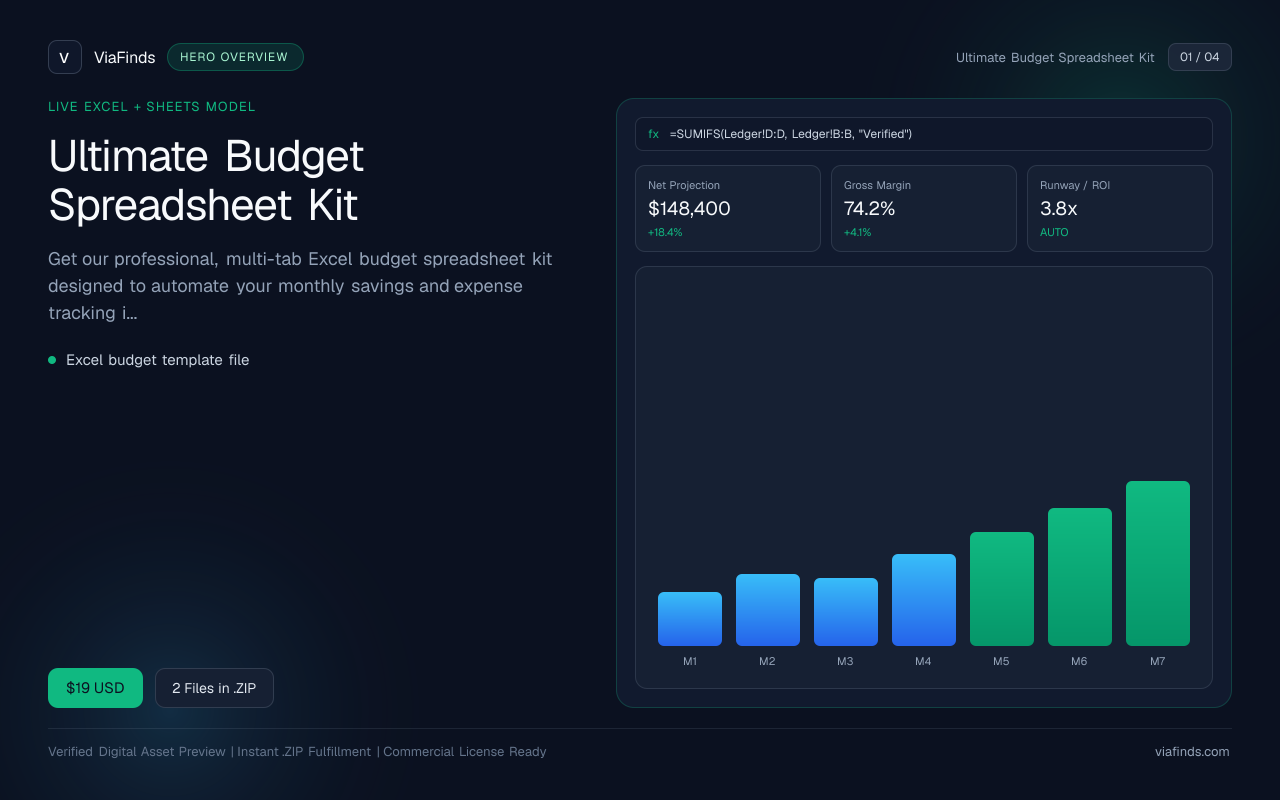
Ultimate Budget Spreadsheet Kit
Get our professional, multi-tab Excel budget spreadsheet kit designed to automate your monthly savings and expense tracking instantly.
- Excel budget template file
Interface & Output Previews
Click any slide to enlarge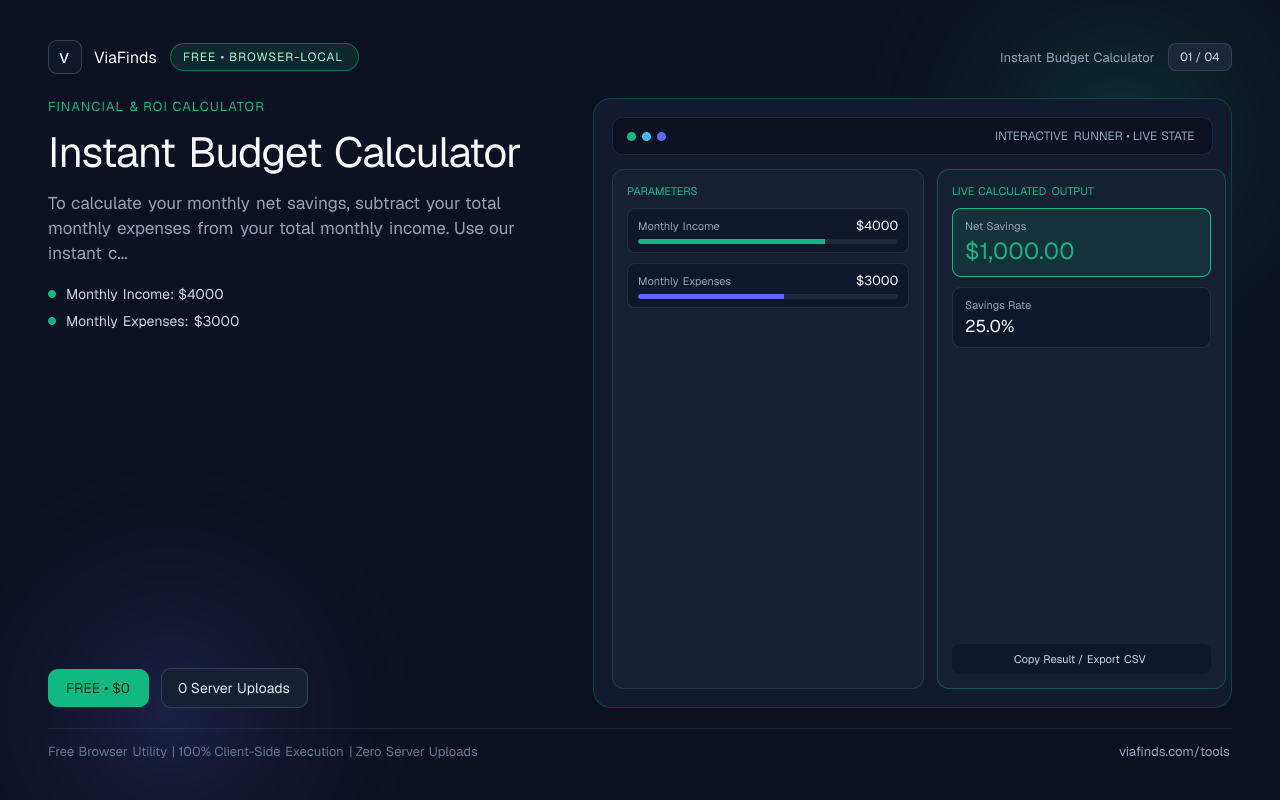
To calculate your monthly net savings, subtract your total monthly expenses from your total monthly income. Use our instant calculator below to figure out your disposable cash flow and savings rate instantly without downloading random files.
How viafinds compares
| Capability | viafinds |
|---|---|
| Tool Type | Interactive Browser Tool |
| Privacy & Data | 100% Local (No Server Uploads) |
| Setup Speed | Instant (< 5 Seconds) |
| Cost | Free Interactive Tool |
Finding the Right Excel Budget Template
Struggling to find clean Excel budget spreadsheets is a common hurdle when taking control of your personal finances. Many templates available online are bloated with complex macros, outdated design frameworks, or aggressive paywalls that lock you out of basic tracking formulas. Whether you are aiming to pay down high-interest debt, save for a down payment, or simply understand where your paycheck goes each month, starting with a streamlined framework makes all the difference.
Why Most Free Spreadsheet Templates Fail
When searching for budget files, users typically run into three major friction points:
- Outdated Layouts: Visuals resembling spreadsheets from the early 2000s that lack modern conditional formatting.
- Broken Formulas: Hardcoded numbers masquerading as dynamic formulas, breaking the math the moment you insert a custom row.
- Bloatware & Ads: Free downloads bundled with macros that trigger security warnings in Microsoft Excel and Google Sheets.
Our Instant Budget Calculator above solves the immediate discovery phase by letting you test your core cash flow numbers right here in your browser, completely offline and secure. You can navigate back to our main library via the Tools directory or explore comprehensive downloadable templates on our Store page.
The Core Budgeting Methodology: 50/30/20 Rule
To build a resilient budget inside Excel or Google Sheets, structure your categories around proven financial frameworks. One of the most effective methods is the 50/30/20 Rule, popularized by Senator Elizabeth Warren:
- 50% for Needs: Essential living expenses required for survival. This includes rent or mortgage payments, utilities, groceries, health insurance, and minimum debt payments.
- 30% for Wants: Lifestyle choices, entertainment, dining out, streaming subscriptions, and non-essential shopping.
- 20% for Savings & Debt Payoff: Allocations toward emergency funds, retirement accounts (401k, IRA), and extra debt reduction above minimums.
By categorizing every dollar, you remove emotional guesswork from your spending habits. If you find your needs exceeding 60% or 70% of your income, it signals an immediate need to re-evaluate fixed overhead costs like housing or transportation.
Worked Example: Calculating Monthly Cash Flow
Let us run through a concrete manual calculation to see how income and expense inputs translate into net savings:
- Gross Monthly Income: $5,000
- Total Fixed & Variable Expenses: $3,800
- Net Savings Calculation: $5,000 - $3,800 = $1,200
- Savings Rate Calculation: (
1,200 / 5,000) * 100 = 24.0%
In this scenario, the individual is exceeding the baseline 20% savings recommendation, securing a healthy financial buffer for future investments. You can replicate this exact formula in your own spreadsheets using basic arithmetic operators.
100% Browser-Local Privacy Guarantee
Financial data is deeply personal. Unlike cloud-based budgeting apps that require you to link your bank accounts or upload sensitive CSV exports to remote servers, our interactive tools operate 100% locally within your web browser.
No numbers are ever transmitted, logged, or stored on external servers. Your calculations run instantly using client-side JavaScript, ensuring absolute data privacy. You can inspect network activity via your browser's developer tools to verify that zero telemetry calls are made during your session.
Transitioning to a Full Spreadsheet Kit
Once you establish your baseline numbers using the quick calculator, you will likely want a permanent tracking system. While free templates online often fall short, structured spreadsheet kits offer multi-tab visibility covering annual summaries, debt pay-off calculators (Snowball vs. Avalanche methods), and category-specific tracking.
If you want to bypass the hassle of building formulas from scratch, explore our professional spreadsheet kit linked on our Store page, or browse other client-side utilities in our Tools directory. For inquiries regarding custom spreadsheet development or technical support, feel free to reach out directly through our Contact page.
Technical Implementation of Client-Side Financial Calculators
When developing financial calculators that run entirely in the browser, modern web standards rely on reactive DOM manipulation and precise floating-point arithmetic. Unlike server-rendered applications that require round-trip HTTP requests for every keystroke, client-side tools execute instantly. Below is a conceptual snippet showing how net savings logic is handled safely within local event listeners:
function calculateNetSavings(income, expenses) {
  const netIncome = parseFloat(income) || 0;
  const totalExpenses = parseFloat(expenses) || 0;
  const savings = netIncome - totalExpenses;
  const savingsRate = netIncome > 0 ? (savings / netIncome) * 100 : 0;

  return {
    savings: savings.toFixed(2),
    savingsRate: savingsRate.toFixed(1) + '%'
  };
}
By leveraging browser-native execution, users retain total control over their data structures without risking exposure over public networks. Whether you are using our budget calculator, checking precision values with the Float Precision Formatter, or converting batch images via Local Batch Image Converter, our entire suite is engineered around absolute client-side privacy and optimal performance.
User Reviews
No reviews yet. Be the first to share feedback below.